 Counterpunch
Files view
The Files view is where sources enter and leave Counterpunch, and where storage context is defined. Getting this right early prevents a lot of “where did that save go?” confusion.
Counterpunch has three storage contexts:
- Memory is in-browser storage for quick experiments and temporary work.
- Disk is a local folder you grant permission to, for production sources.
- Cloud Storage is a signed-in, hosted font you Save As or open from an invite. Details are in Cloud fonts.
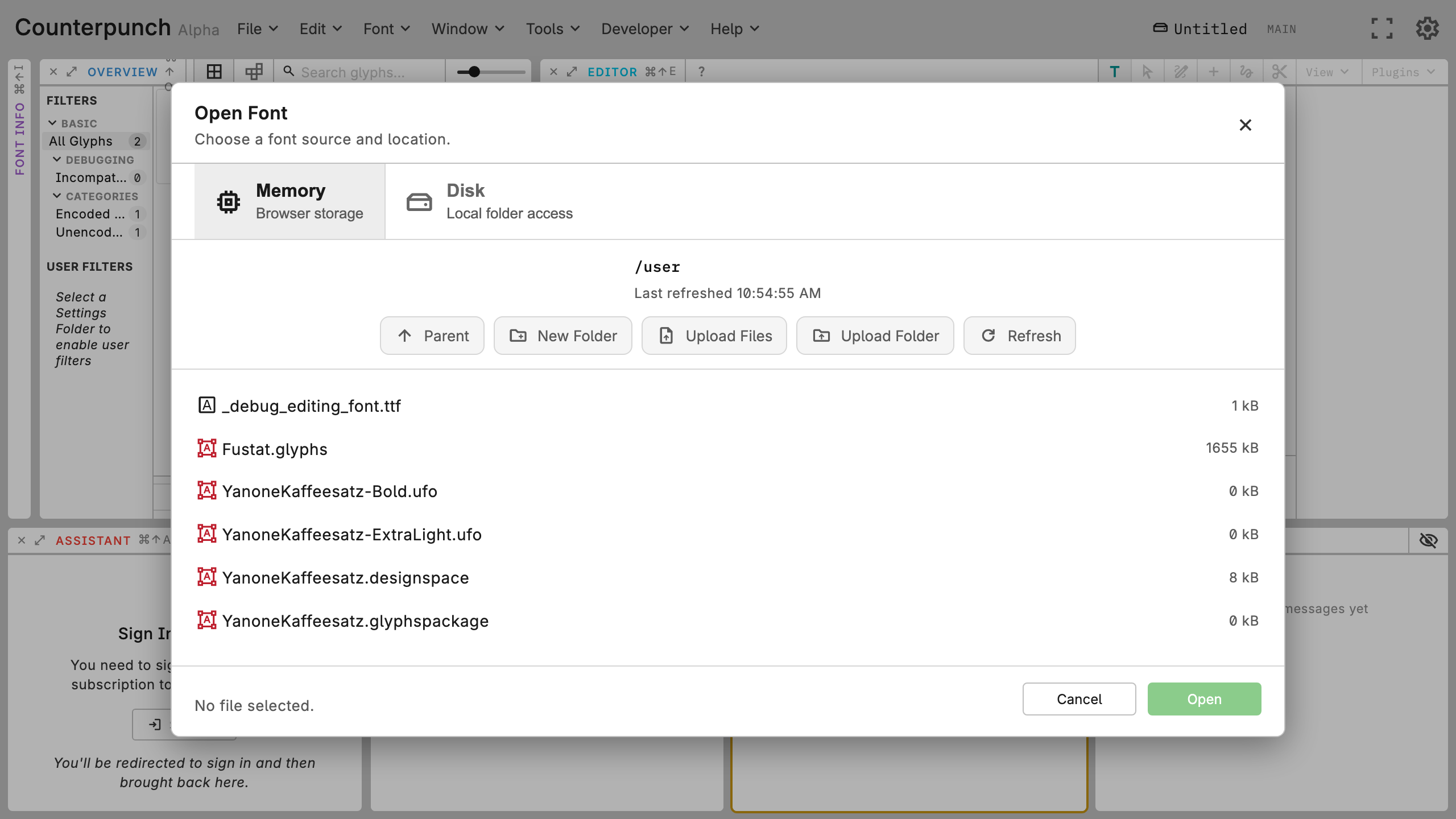
Check which context is active before you save. Open a font from the tree, edit, then save back to the same place. Disk setup is in Local disk access. Cloud Save As, invites, offline sync, and read-only states are in Cloud fonts. The Disk folder is not the Settings Folder; both are in Project and settings folders. Formats are in Open, save, and file formats.